A made-up story to show how the tool is meant to help. It is not about a real customer. The tool is planned and not ready yet.
Imagine this shop
Imagine a small repair shop: phones, a few laptops, one counter, an owner and perhaps a helper. Devices sit on a shelf with paper slips. The phone keeps ringing with the same question: is it ready?
The app in this story is being built: it is planned, not ready yet for the public. See the repair job card.
Opening the shop
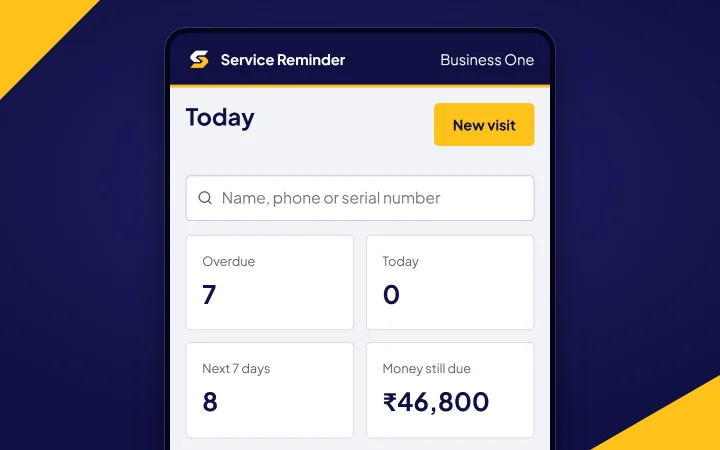
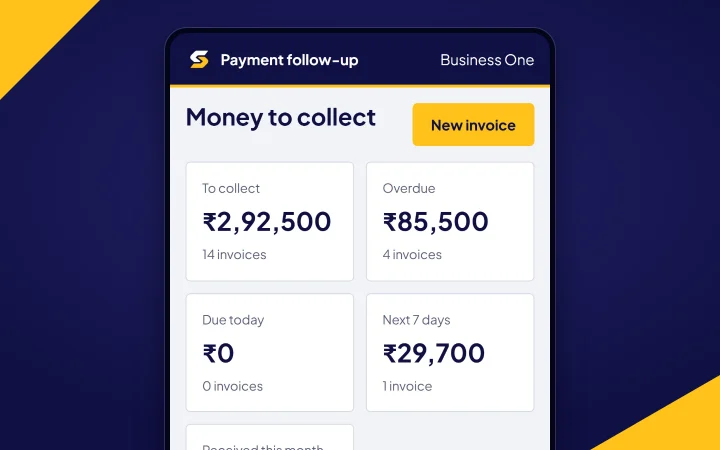
The first screen is today: which repairs are due or late, which devices are ready and not collected, and the money still to collect on them. Each line has a call button and the usual next step.
A walk-in at the counter
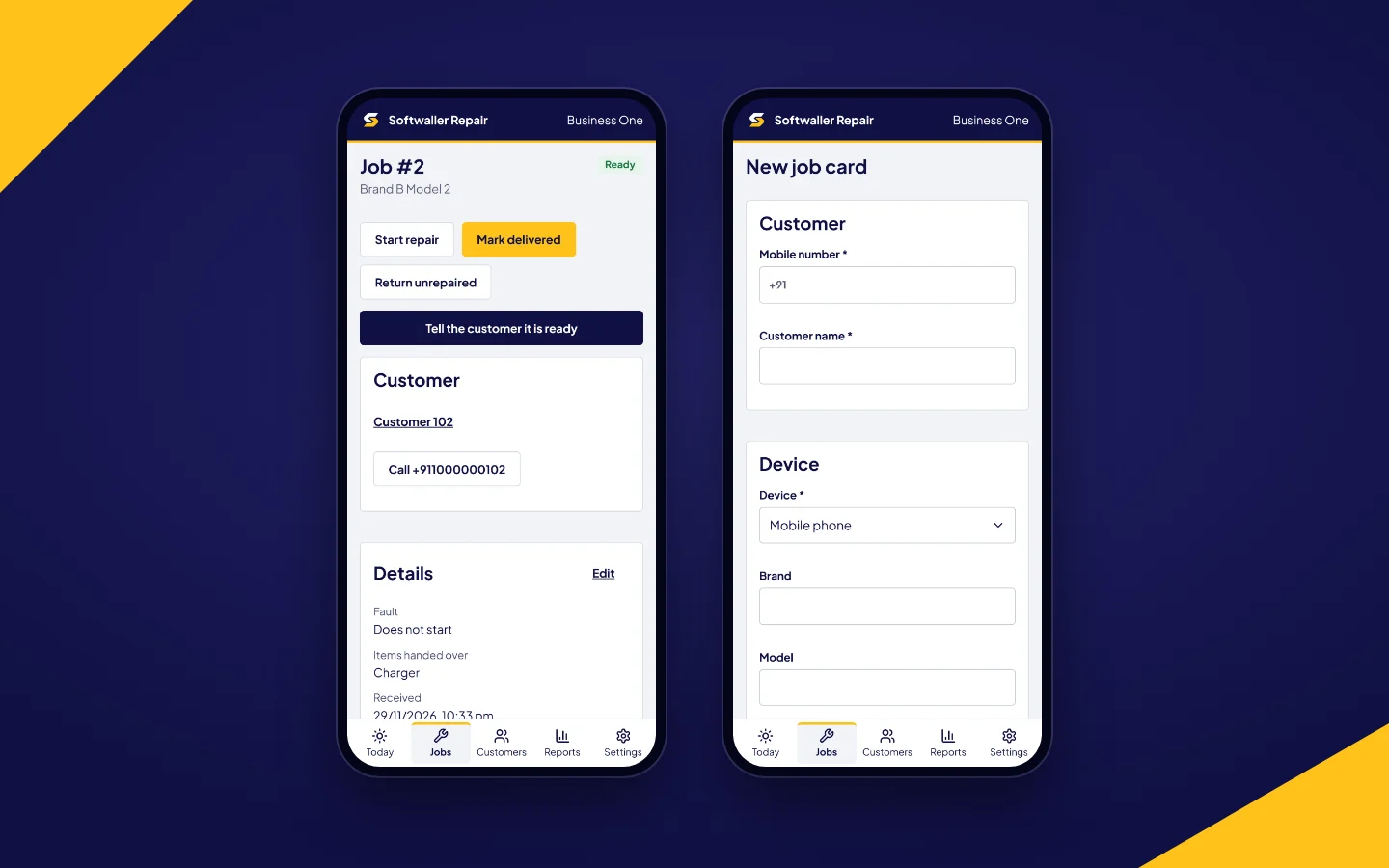
Someone puts down a phone with a cracked screen. On one screen you enter the mobile number, the name, the device, the fault and what was handed over. If the number is already known, the customer appears by itself. You promise a date and note any advance.
On a paid plan you can also tick what you see on arrival, such as water damage or missing parts, and take photos. Both can go on the printed job slip. This is where later arguments about condition are settled.
The app does not ask for the unlock code or password. Please do not write it in the notes either.
"What will it cost?"
On a paid plan you record an estimate and send it in your own WhatsApp. The message has a link. Your customer sees the amount and can approve or decline it, and the answer is saved with the time. The link shows that one job only: no phone number, no serial number, no notes.
The repair, and the call that does not come
You tap Start repair, and later Mark ready. The app asks for the final amount and shows what is left to collect. Then it prepares the ready message. You press send in WhatsApp yourself: the app sends nothing on its own.
The link in that message shows the current status, so the customer can look instead of calling.
Collection
You tap Mark delivered. On a paid plan, for a business in India with its UPI ID set, a payment code with the amount can be shown. The money goes straight to your account; the app does not confirm that it arrived, so check your bank or UPI app.
The device that comes back
A few weeks later the same phone returns. If you had set a warranty date and the serial number matches, the new job is marked as back within warranty.
End of the week
On a paid plan the Insights page draws what came in and went out, how long repairs take, which faults are most common, and what was taken after parts.
What still needs care
- It needs internet. Without a connection nothing can be saved.
- It does not make tax invoices or keep spare part stock.
- How a customer paid, and part payments, are not recorded.
- This day is imagined. If your shop works differently, tell us how.