
Repair job card
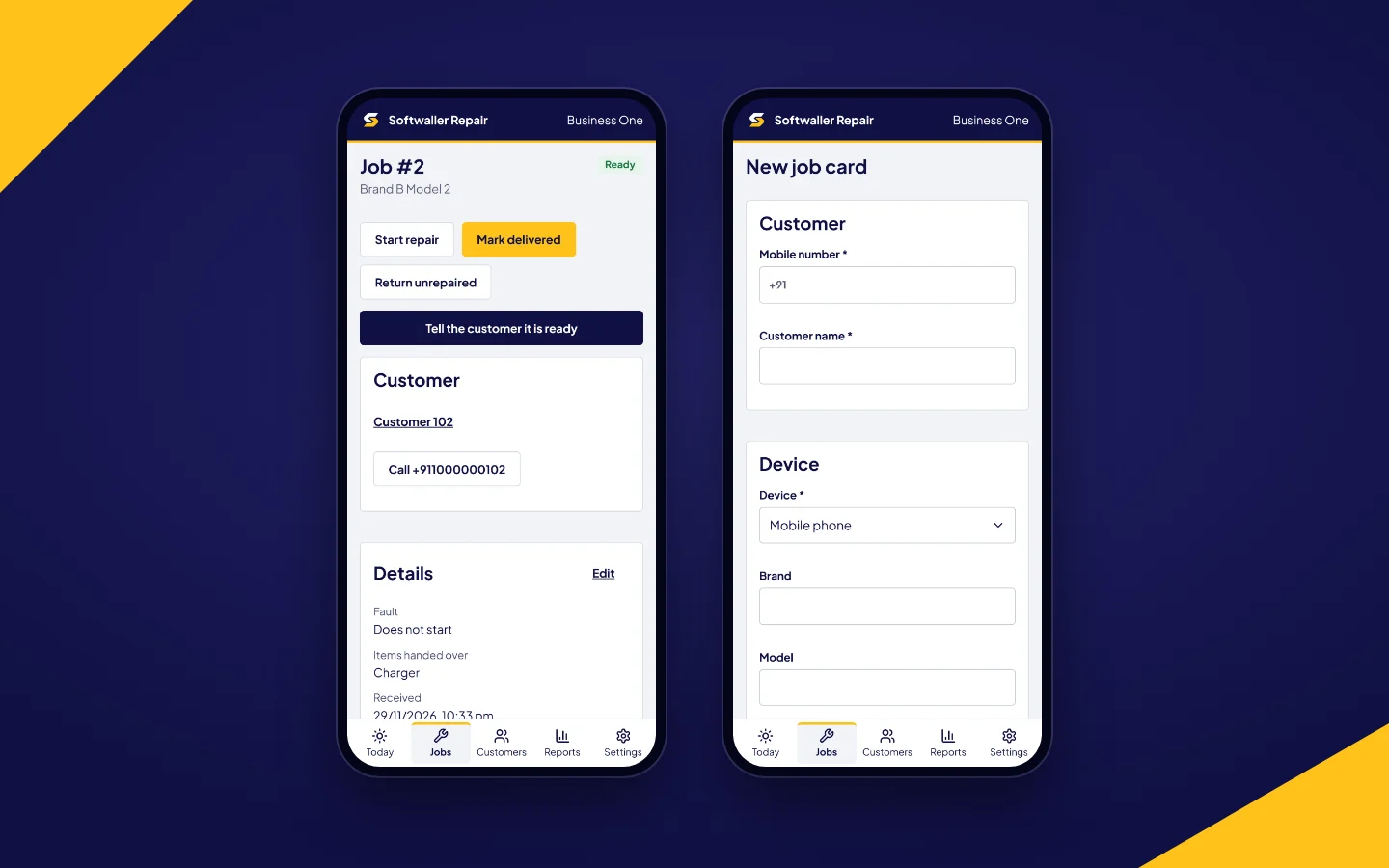
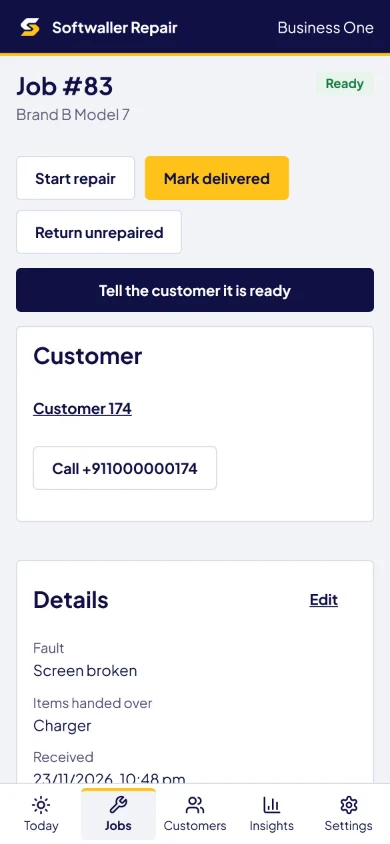
A planned job card for every device received, with its status and a ready message for the customer.
Planned, not ready yet
The problem
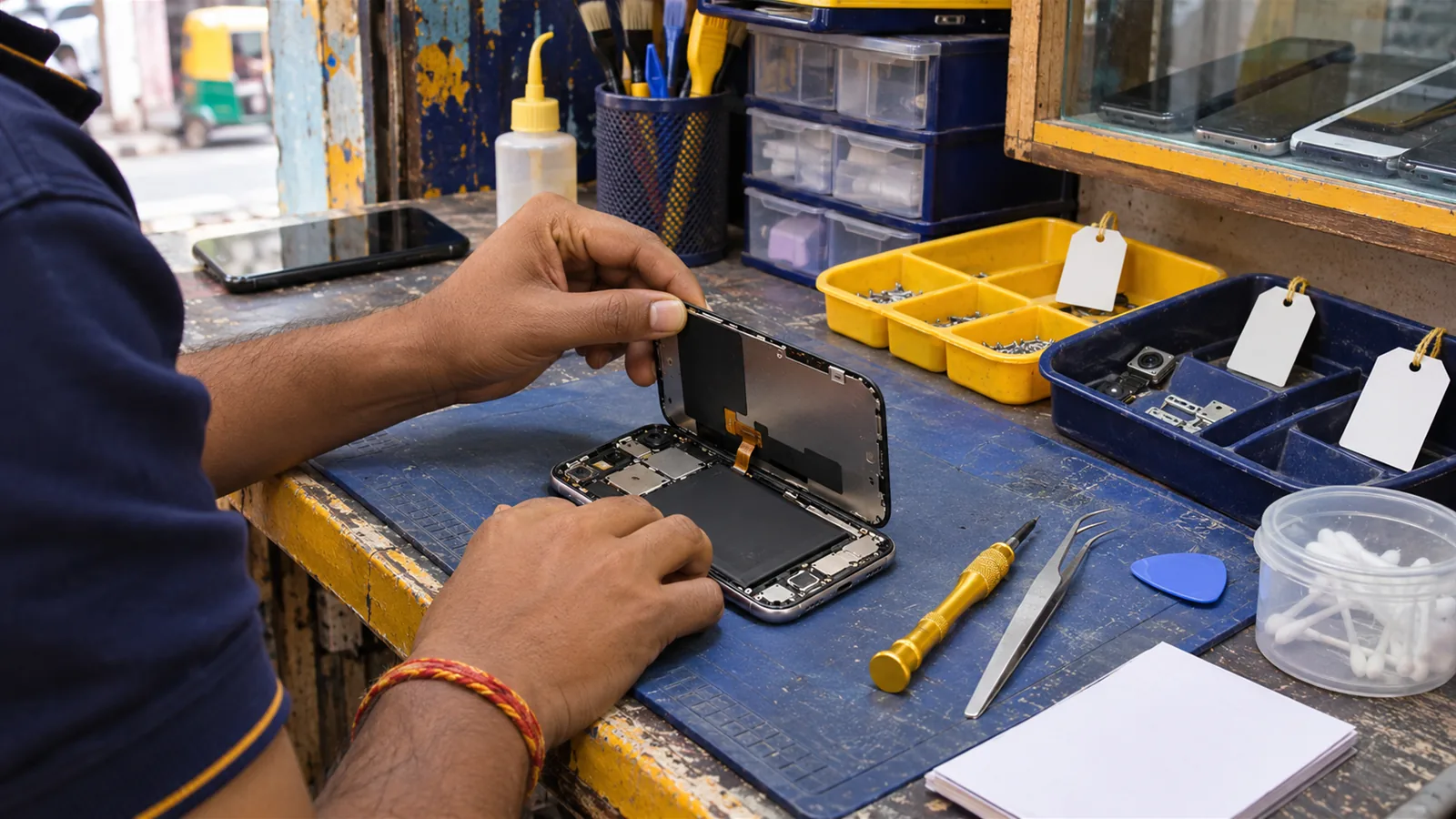
Devices wait on shelves with paper slips. Customers call to ask, and someone has to search for the job.
Who it is for
Mobile, laptop and appliance repair shops.
What it will do
This is the plan, and it may change.
Receive a device
It will record the customer, device, fault and items handed over.
Job status
It will show waiting, in repair, ready and delivered.
Ready message
It will prepare a message when the job is ready.
Estimate and approval
It will note the estimate and whether the customer agreed.
History
It will show earlier jobs for the same customer.
How you will use it
Open a job card
Enter the details at the counter.
Update the status
Change it as work moves.
Tell the customer
Send the ready message.
Close the job
Mark it delivered.
How it will look
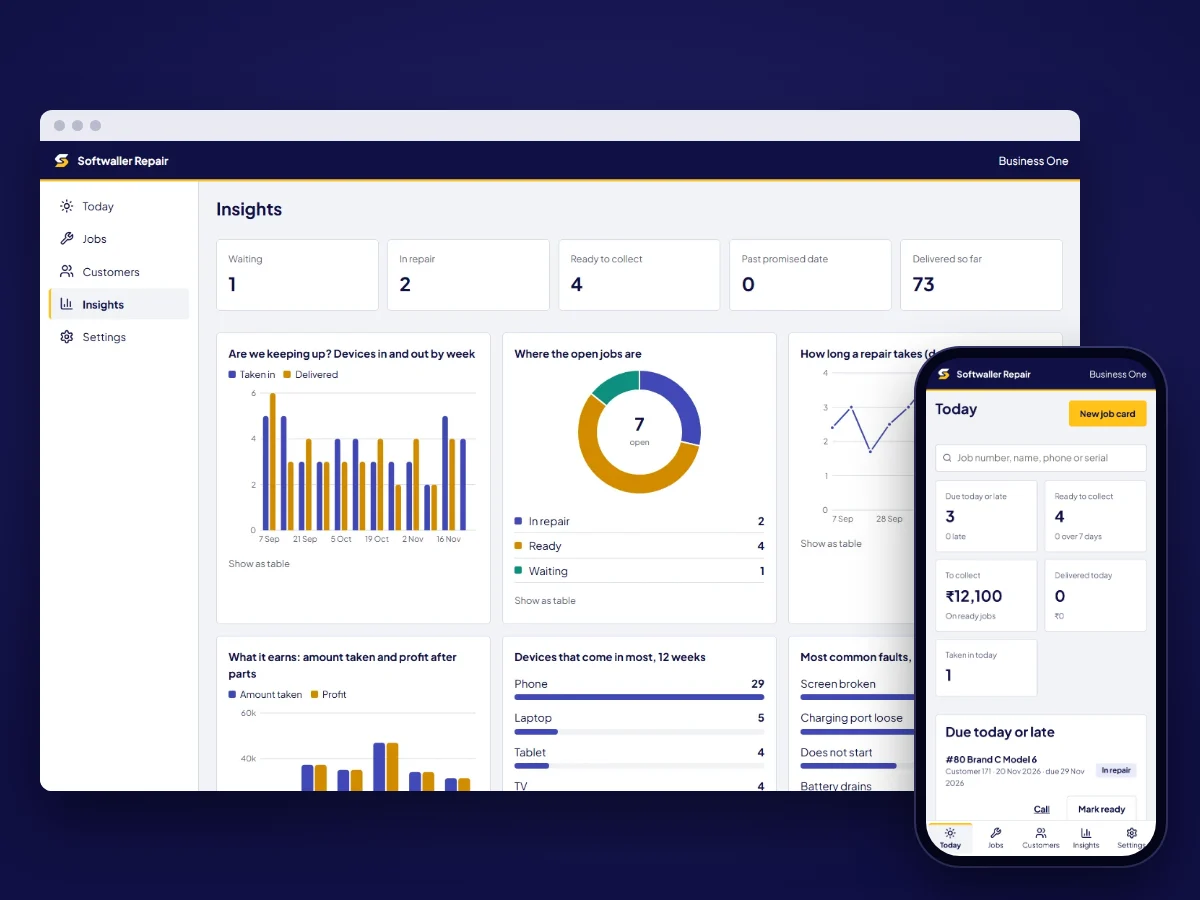
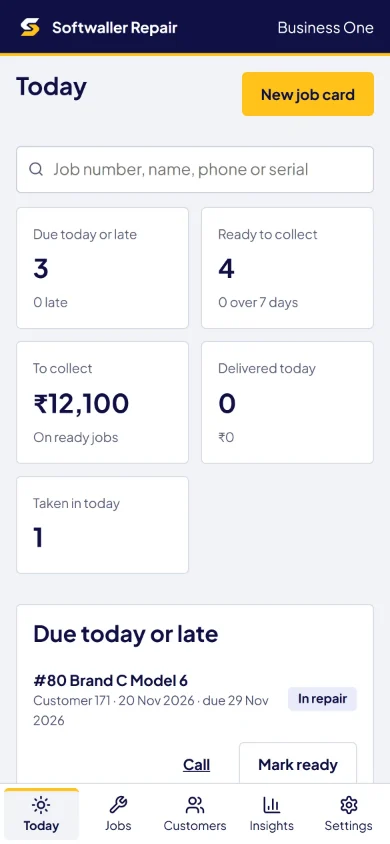
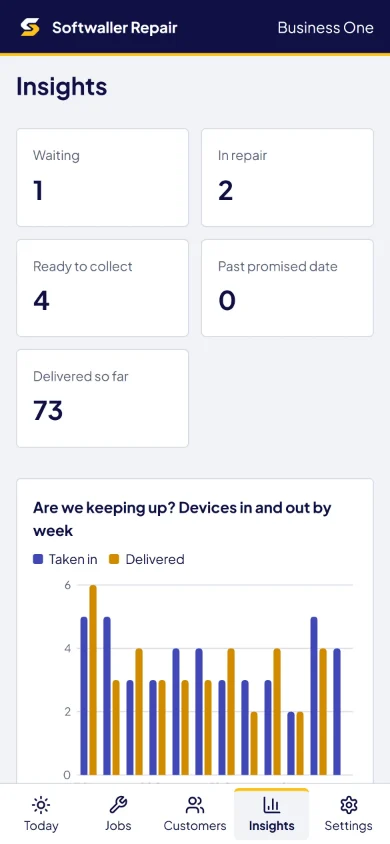
It is not ready yet, and the screens may change.
Free and paid
This is the plan and it may change. No prices are announced.
Free
For one person getting started
30 new jobs a month
- Job card and status steps
- Ready message for the customer
- Simple printed job slip
Most useful
Pro
For one person with more work
1,000 new jobs a month
- Own logo and terms on card and bill
- Estimates and approval record
- Photos, spares, warranty and reports
Team
For a small team of up to 5
5,000 new jobs a month
- Everything in Pro
- Assign technicians and their reports
- Roles and activity log
Compare all features
| Feature | Free | Pro | Team |
|---|---|---|---|
| Size | |||
| Users | 1 | 1 | 5 |
| New jobs a month | 30 | 1,000 | 5,000 |
| Everyday work | |||
| Intake, job card, status steps, customers, search, ready message | Included | Included | Included |
| Simple printed job slip | Included | Included | Included |
| More with a paid plan | |||
| Own logo and terms on job card and bill | Not included | Included | Included |
| Estimates and customer approval record | Not included | Included | Included |
| Photos; spare parts and charges; warranty tracking | Not included | Included | Included |
| Reports (pending, turnaround, income); CSV import | Not included | Included | Included |
| For teams | |||
| Assign technicians; technician reports; roles; activity log | Not included | Not included | Included |
- Over a limit, or after a paid plan ends, everything stays visible and can be exported.
- Exporting your own data is always free.
- Erasing a person’s details and closing the account are always free.
- Nothing is sent to others automatically: WhatsApp and email open on your own phone.
Questions
Can I use it now?
No. It is planned and not ready yet.
Do customers need an app?
No customer app is planned.
Will it handle billing?
Billing is not decided.
What will it cost?
No price is decided. The plan is a free version with limits and a paid upgrade.
What goes on a repair job card?
Customer and phone number, device, serial number, fault, items handed over, condition, promised date and advance.
Other planned products
FirstPlanned, not ready yet
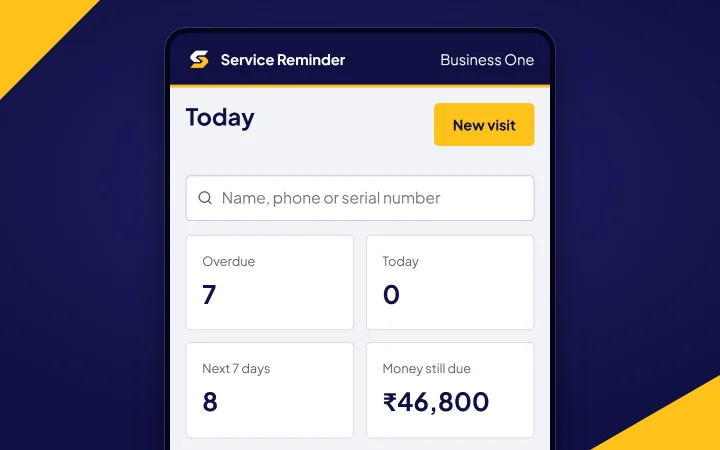
AMC and service reminder
A planned reminder for service visits and maintenance contracts, so none is forgotten.

Planned, not ready yet
Renewal reminder
A planned reminder for licences, insurance, vehicle papers and certificates before they expire.

Planned, not ready yet
Rental tracker
A planned record of what is out on rent, when it is due back and what deposit you hold.