
Payment follow-up
A planned list of invoices still to be paid, how many days are left and what to say next.
Planned, not ready yet
The problem
Money owed is easy to lose track of. Follow-up happens late, and nobody remembers what the buyer said last time.
Who it is for
Micro and small suppliers who sell on credit.

What it will do
This is the plan, and it may change.
Open invoices
It will list unpaid invoices with amount and date.
Days left
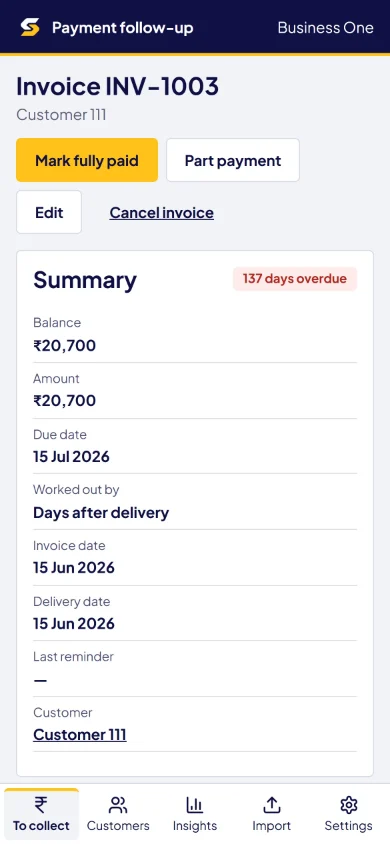
It will work out the due date from the delivery date and the agreed terms.
Reminder text
It will prepare a polite reminder you can send.
Buyer statement
It will make a statement of what one buyer owes.
Follow-up notes
It will keep what was promised and when to ask again.
How you will use it
Add an invoice
Enter the buyer, amount, delivery date and terms.
See what is due
Check the days left on each invoice.
Follow up
Send the reminder and note the reply.
Close it
Mark the invoice paid when the money arrives.
Planned: read a photo of a bill and fill the fields for you to confirm. Nothing will be saved without your check.
How it will look
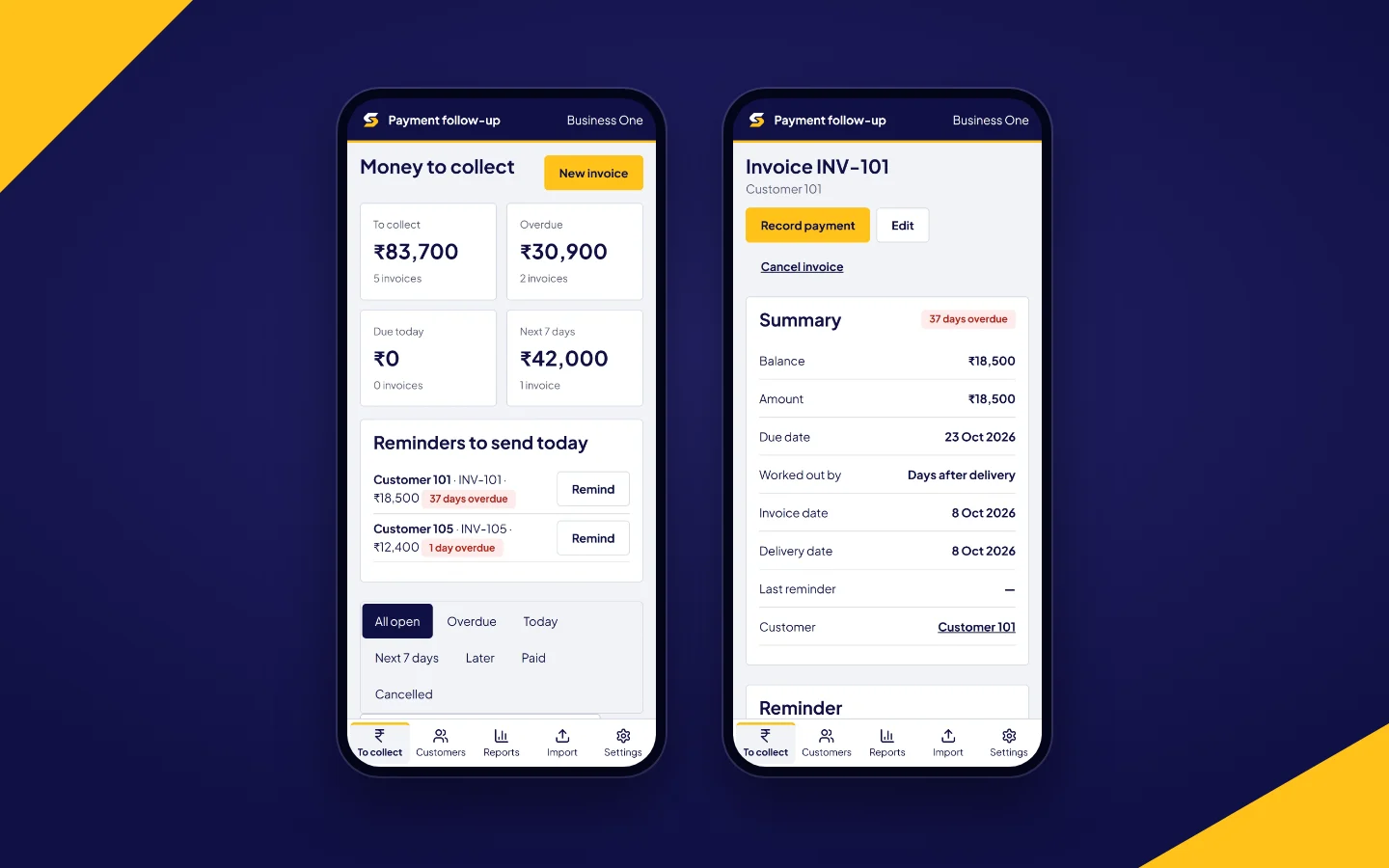
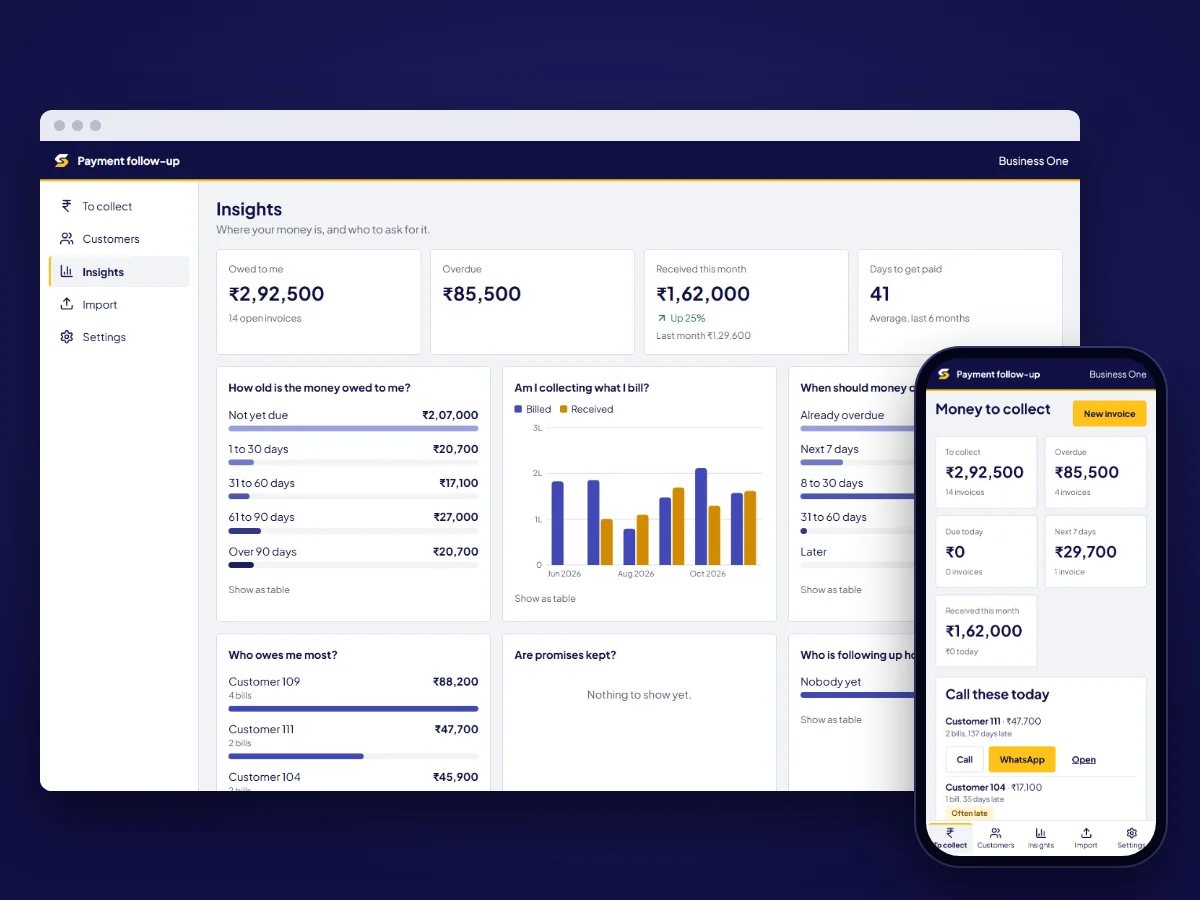
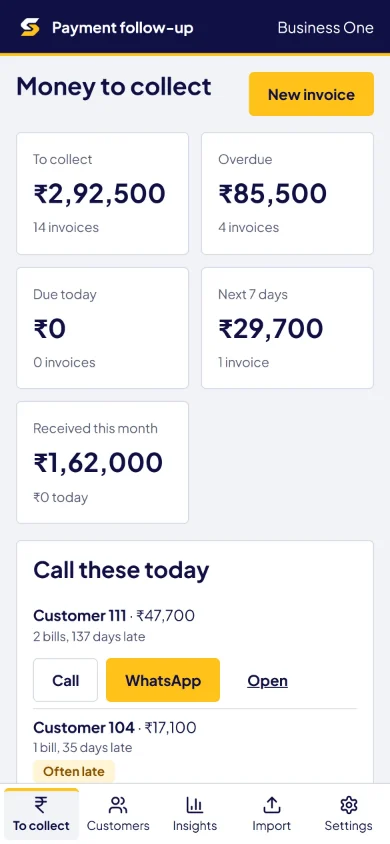
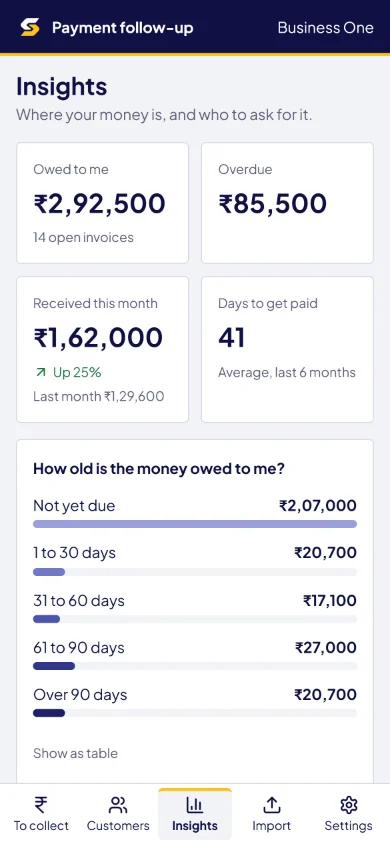
It is not ready yet, and the screens may change.
Free and paid
This is the plan and it may change. No prices are announced.
Free
For one person getting started
20 open invoices
- Due list and days left
- India 15 and 45 day helper
- One-tap reminder and statement on screen
Most useful
Pro
For one person with more work
1,000 open invoices
- Own reminder templates and schedule
- Branded statement PDF, ageing report
- UPI link and QR, customer statement link
Team
For a small team of up to 5
5,000 open invoices
- Everything in Pro
- Assign accounts to people
- Roles and activity log
Compare all features
| Feature | Free | Pro | Team |
|---|---|---|---|
| Size | |||
| Users | 1 | 1 | 5 |
| Open invoices | 20 | 1,000 | 5,000 |
| Everyday work | |||
| Customers, invoices, due list, days left, India 15 and 45 day helper | Included | Included | Included |
| One-tap reminder by WhatsApp or email, basic text; on-screen statement | Included | Included | Included |
| More with a paid plan | |||
| CSV import | Not included | Included | Included |
| Own reminder templates and reminder schedule | Not included | Included | Included |
| Branded statement PDF | Not included | Included | Included |
| Part payments, promise-to-pay dates, ageing report | Not included | Included | Included |
| UPI payment link and QR; customer statement link | Not included | Included | Included |
| For teams | |||
| Assign accounts to people; roles; activity log | Not included | Not included | Included |
- Over a limit, or after a paid plan ends, everything stays visible and can be exported.
- Exporting your own data is always free.
- Erasing a person’s details and closing the account are always free.
- Nothing is sent to others automatically: WhatsApp and email open on your own phone.
- In payment follow-up only the owner can export, import, cancel an invoice or remove a payment.
This is not tax or legal advice.
Questions
Can I use it now?
No. It is planned and not ready yet.
Will it apply the MSME 45-day rule?
The plan is to help you see due dates. It will not decide your legal position.
Will it collect money?
No collection or payment feature is decided.
What will it cost?
No price is decided. The plan is a free version with limits and a paid upgrade.
Does it collect the money?
No. Money goes straight to you; nothing is collected or confirmed by the app.
Other planned products

Planned, not ready yet
Voice to quotation
A planned AI tool: say the items and quantities, then check and share the quotation.

Planned, not ready yet
Job work tracker
A planned record of material sent out for job work, what came back and what is still outside.

Planned, not ready yet
Data protection starter kit
A planned checklist, notice templates and registers to help a small business prepare for India's data protection rules.